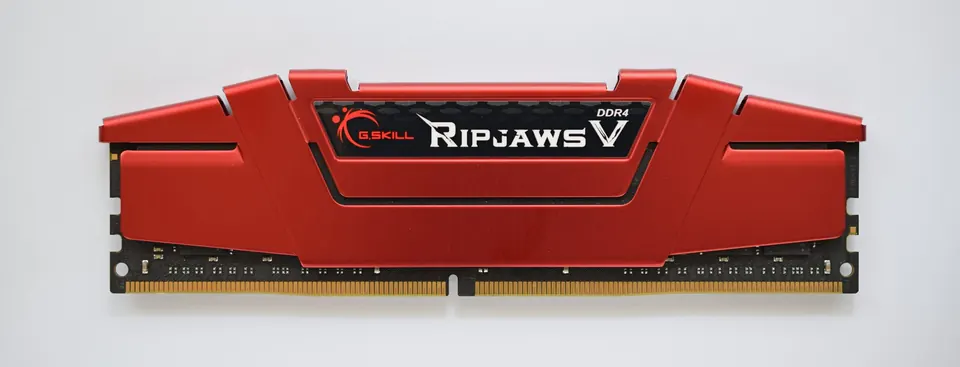
1. Confirm the memory generation
Identify the generation supported by the CPU and motherboard. DDR4 and DDR5 require compatible platforms and should not be treated as interchangeable.
2. Choose the module form factor
Desktop UDIMM and laptop SO-DIMM are different module formats. Check the device documentation, available sockets and whether memory is soldered.
3. Define capacity and speed
Record the capacity per module, number of modules, supported data rate and platform capacity limit. State ECC and registered/unbuffered requirements explicitly when relevant.
4. Validate before a volume order
Review the part number, rank and chip organization. Confirm BIOS support and test the intended module configuration on the actual platform.
Technical reference: Kingston DDR4 overview ↗. Always use the proposed product datasheet and host-system documentation for final compatibility decisions.
Turn this into an RFQ ↗